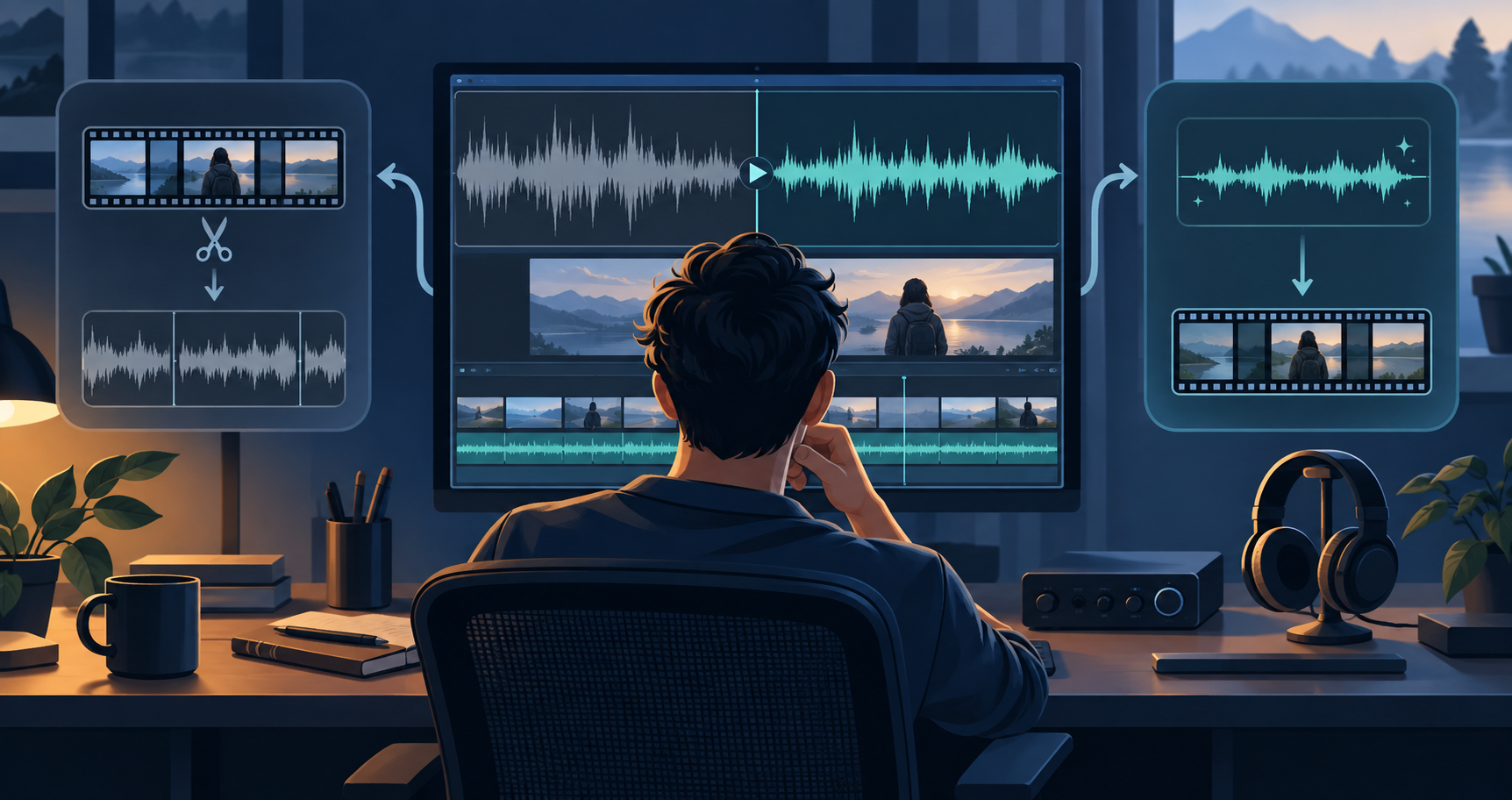
For spoken video with steady fan, air-conditioning, electrical hum, wind bed, or traffic wash, clean the original audio early enough to edit with a usable reference, but keep the unprocessed original and do a final conservative pass only after the picture and dialogue edit are locked.
Quick answer
Clean a copy before the main edit when steady noise makes dialogue difficult to judge and you expect to use much of the recording. Wait until after selects or picture lock when most clips will be discarded, each clip has different noise, or music and edits will change what the audience hears.
- Keep the untouched original before any processing.
- Use an early cleaned preview for stable fan, AC, hum, traffic, or mild steady wind.
- Do a final listen in the actual timeline after dialogue, music, and transitions are close to final.
- Treat keyboard hits, barks, dishes, door slams, other voices, and heavy echo as different problems—not a reason to keep increasing steady-noise reduction.
1. Keep the original before doing anything
Duplicate or preserve the source file before you clean it. This gives you a way back if the cleaned version sounds too thin, metallic, or unnatural after editing. It also lets you compare the noisiest phrases, pauses, and transitions rather than judging only a convenient sentence.
Clear names such as interview-original, interview-cleaned-preview, and interview-edit-v1 make the choice traceable. The point is being able to compare and restore the better decision.
2. Diagnose the noise before choosing a stage
Listen to a pause before speech, a difficult consonant or soft voice, and a transition into music or B-roll. Stable fan wash, air conditioning, electrical hum, a constant road bed, or a stable wind texture are natural candidates for an early preview clean.
Keyboard strikes, plates, clicks, doors, barks, and sudden bumps are transient events. Background people are competing speech, and echo is a room problem. Neither becomes reliably solvable simply by applying more steady-noise reduction.
- Stable noise: make a light early preview when it will help editorial listening.
- Transient noise: cut, repair, or attenuate the event where practical.
- Other voices: preserve expectations; overlapping speech may remain.
- Echo or reverb: improve the next recording setup or use specialist repair.
3. Create a cleaned preview before the creative edit
When the noise is steady and spoken content is likely to be used, process a copy early and preview it before committing. A more usable reference can make dialogue edits easier because you can hear pauses, breaths, and sentence endings without the same noise bed masking them.
Use the NoiseVanish workflow for a file you have the right to process. Compare original and cleaned output at matched volume. Pay attention to soft consonants, brittle voices, and noise that pumps during pauses. If the cleaned version is worse for the material, keep the original and use targeted editing later.
4. Edit with the version that helps better decisions
For a long interview or webinar, use the cleaned preview while making selects and timing cuts. Keep the original available for moments where the reduction causes artifacts. For multi-camera work, make sure every version stays aligned with the same source timecode or waveform before syncing.
For montage-heavy work, it can be more efficient to choose takes first. If only ninety seconds of a thirty-minute recording will survive the edit, clean only the chosen segment after the rough cut.
5. Do a restrained final listen after picture lock
Once dialogue, music, and transitions are close to final, listen through the actual timeline on headphones and speakers. A noise bed that felt distracting alone may be masked naturally by music. Conversely, an aggressive early pass may become obvious when a quiet cut lands on a word.
If you are solving a different problem rather than a constant bed, stop increasing reduction. A noise gate, clip edit, spectral repair, replacement room tone, or rerecord may be a better choice.
- Can you understand speech without straining?
- Do S, T, F, and soft endings still sound natural?
- Does the room tone change abruptly between cuts?
- Does the noise rise and fall unnaturally in pauses?
When to clean early—and when to wait
Clean early when the file is largely spoken-word content, the noise is fairly stable, you expect to use much of the recording, and you need a clearer listening reference for editorial choices. A webinar with a constant fan, tutorial recorded beside air conditioning, or phone interview with a stable traffic bed are examples.
Wait when the edit will discard most of the source, when each clip has a different noise profile, or when you are still deciding which microphone is best. Waiting avoids processing unused media and applying one setting to incompatible problems.
What NoiseVanish can and cannot fix
NoiseVanish is designed to reduce steady background noise around spoken-word audio and video. Fan, AC, stable hum, steady traffic, and some wind texture can be suitable candidates. The appropriate outcome is better listenability while preserving speech where possible—not guaranteed silence.
Keyboard strikes, background conversation, and heavy echo have different behavior. A lower background level is not automatically a clearer voice. Preview the original and cleaned result for the recording in front of you before making a paid or editorial decision.
- Good candidate: fan, AC, stable hum, or steady traffic bed.
- Possible candidate: mild stable wind texture; severe gusts can mask or distort speech beyond restoration.
- Limited fit: keyboard clicks and other transient sounds; use targeted editing.
- Not a supported promise: competing background voices.
- Limited fit: heavy room echo or reverb.
Bottom line
For stable background noise, clean a copy early when it will help you edit dialogue, retain the original, and make the final judgment after the edit is nearly locked. For changing noises, other voices, or severe echo, use a more targeted editing strategy instead of pushing noise reduction until speech sounds artificial.
Related NoiseVanish guides
Sources and update notes
This article was reviewed on September 24, 2026. Product interfaces and third-party features change; check the linked official documentation before relying on exact tool behavior.