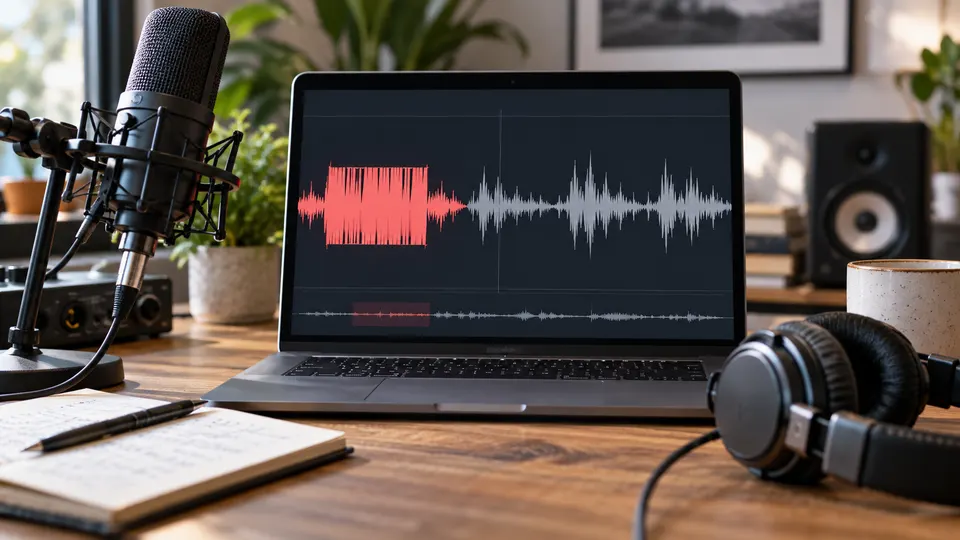
Why Your Voice Disappears in Mono—and What to Check Before Denoising
Diagnose narration that disappears after export or stereo-to-mono mixing. Check routing, channel polarity and playback before applying noise reduction.
Read articleFIELD NOTES / BLOG
Careful field guidance for spoken audio, screen recordings, and the moments when a lighter touch sounds better.
FIELD NOTES / BLOG
Browse evidence-aware workflows for diagnosing noise, protecting speech, and knowing when editing or rerecording is the better choice.

Diagnose narration that disappears after export or stereo-to-mono mixing. Check routing, channel polarity and playback before applying noise reduction.
Read article
Choose targeted repair, restrained de-clicking or a retake for mouth clicks in narration. Protect consonants, natural pauses and video sync rather than chasing silence.
Read article
Understand why normalization raises background noise, choose the right operation for recorded speech, and compare cleanup without mistaking louder for cleaner.
Read article
Compare Adobe Podcast, Audacity and NoiseVanish by the recorded-audio problem, control you need and speech you must preserve—not untested rankings.
Read article
Choose OBS capture filters or saved-file cleanup, isolate the microphone track, and reduce steady noise without damaging speech or game audio.
Read article
Diagnose crunchy recorded speech, distinguish clipping from background noise, and compare cautious repair with a better source or a retake.
Read article
Clean a saved Zoom recording without damaging speech: find the best recording, separate steady noise from conferencing artifacts, preview, and verify sync.
Read article
Confirm that the sound is steady hiss, then use the lightest reduction that improves intelligibility without dulling consonants or room tone.
Read article
Room echo is reflected speech, not a steady noise bed. Use gentle, reversible repair and stop before consonants and sentence endings sound processed.
Read article
Identify a narrow electrical hum before treating it as generic noise, then use the lightest repair that preserves natural dialogue.
Read article
Reduce a steady road-noise bed carefully, but use editing or rerecording for horns, passes, and words hidden by changing noise.
Read article
Preserve the original, identify whether the AC sound is steady, and use the lightest cleanup that improves spoken audio.
Read article
Clean a copy early when steady noise makes editorial decisions difficult, preserve the original, then make a careful final judgment in the locked edit.
Read article
Protect the microphone from turbulent airflow, preserve the camera original, and use cautious cleanup for steady wind. Learn when gusts need targeted edits or replacement narration.
Read article
Fan noise is a good candidate for careful cleanup when the presenter remains clear. Preserve the best source, test every speaker, and favor natural dialogue over perfect silence.
Read article
Metallic speech usually means denoise removed part of the voice. Diagnose the artifact, simplify the processing chain, and restore natural dialogue with a lighter repair.
Read article
Noise reduction treats a steady bed beneath speech; a gate tidies pauses. Learn which tool fits the recording without clipping words or making dialogue artificial.
Read article
Start with the original iPhone video, identify the noise, and use the lightest repair that improves speech without making it metallic or overprocessed.
Read article
AI can soften some distant voices and make a close speaker clearer, but overlapping speech in one mixed track cannot be cleanly guaranteed apart.
Read article
Typing clicks are transient and often overlap speech. Use a layered workflow—better capture, light steady-noise cleanup, and targeted edits—to preserve a natural voice.
Read article