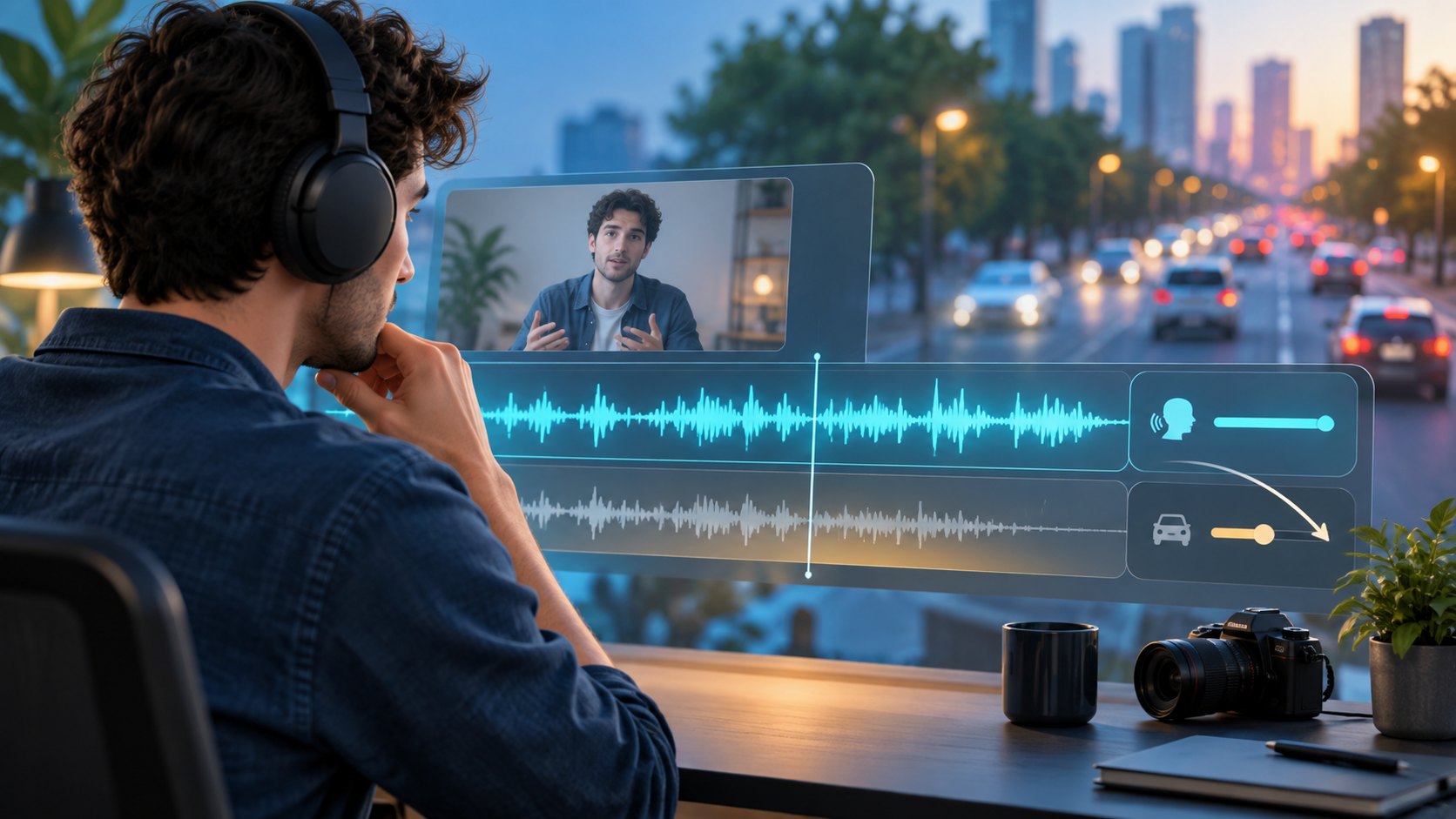
Traffic noise is rarely one sound. A distant, steady road wash may be reduced around dialogue; a nearby bus, horn, motorcycle, siren, or passing truck changes quickly and can overlap the same frequencies as speech. The goal is dialogue that is easier to understand and still sounds natural—not artificial silence.
Quick answer
Keep the camera original or least-compressed audio export. Identify whether the noise is a steady road bed, a passing vehicle, a horn or siren, wind, echo, or another person talking. For a mostly steady background bed around speech, test a conservative clean and compare the result at the same listening volume.
- Keep the untouched original before processing.
- Compare a typical sentence, the worst overlap, and a pause.
- Use the least cleanup that improves intelligibility.
- Edit or rerecord important words when changing traffic has masked them.
Diagnose the sound before you process it
Traffic is a location, not an audio category. A distant highway can create a fairly even low-frequency wash, while a car passing close to the microphone rises and falls. Horns, brake squeals, and sirens are distinct events; wind around the microphone can be a separate layer. Each has different limits.
- Distant, fairly constant road wash: make a light preview clean around speech.
- Vehicle that gets louder then softer: edit the affected moment or use another take.
- Horn, siren, or impact: use a local cut, caption, or replacement narration when needed.
- Nearby conversation, radio, or TV: seek a cleaner source rather than promising clean speaker separation.
Why a steady bed and a changing event need different expectations
NoiseVanish is intended to reduce steady background noise around speech, including traffic-like beds, fan wash, air conditioning, hum, and some wind. It does not promise to remove every changing sound. A process cannot reliably reconstruct a word that a horn or close vehicle fully covered in the original recording.
Audacity makes the same useful distinction in its Noise Reduction documentation: constant sounds such as hum, hiss, and fan noise are the intended use, while irregular traffic and audience noise are not. Test the actual recording rather than assuming all street audio has one fix.
- Start with the original or best-quality export.
- Listen to consonants, breaths, word endings, and pauses—not only the lower noise level.
- Stop or lower processing when speech becomes metallic, hollow, watery, clipped, or harder to understand.
Use a conservative preview-first workflow
Create a short preview from the difficult portion of the recording. Include the worst overlap, an ordinary sentence, and a pause or edit. Compare Original and Cleaned at the same timeline position and matched volume on headphones, then check ordinary speakers or a phone.
The useful question is whether speech becomes easier to follow while staying believable. A result that sounds impressive in isolation can become tiring in the finished edit when room tone pumps or consonants smear.
- Preserve the original file and label the cleaned preview clearly.
- Judge the noisiest phrase as well as an easy phrase.
- Do not layer several maximum-strength enhancement tools on the same dialogue.
- Use the lightest result that helps the viewer understand the speaker.
Handle passing vehicles, horns, and masked words with editorial choices
A sudden traffic event is often an edit decision, not a blanket noise-reduction problem. If the event falls between phrases, trim or tighten the pause. If it lands over a key word, use a cleaner take, cut to B-roll, add accurate captions, or rerecord narration. A believable trace of street ambience is usually less distracting than a damaged voice.
For names, numbers, instructions, safety information, medical content, or legal language, do not accept a quieter track if the words remain unclear. A rerecorded line is often the more honest and efficient solution.
- Use short fades around local gain edits so ambience does not jump.
- Keep a realistic room-tone or ambience bed when repairing a cut.
- Use captions to support partially masked dialogue.
- Rerecord critical lines instead of claiming lost words were restored.
Improve the next recording at capture time
The largest improvement often happens before editing. Move the microphone closer to the speaker, place the speaker farther from the road-facing window when practical, and point a directional microphone away from the loudest traffic. Monitor a short natural-speech test on headphones before the full take.
When filming outdoors, use suitable wind protection and plan a backup take when traffic briefly drops. For a loud location, record clean voice-over later rather than relying on an on-camera microphone to capture studio-like dialogue.
- Check a quiet sentence, a normal sentence, and a pause in the test.
- Capture a little room tone when practical.
- Schedule key dialogue for a quieter period if you can.
- Keep original camera and external-microphone tracks where available.
Finish in the real timeline
After picture edits are close to final, listen from beginning to end on headphones and normal speakers. Music, B-roll, captions, and cuts change what viewers notice. A road bed that seems distracting alone may be acceptable in context, while an aggressive cleanup pass can become obvious in a quiet transition.
Preserve the original and cleaned preview until final approval. Decide from the exact recording and edit, not a generic demo or a lower waveform meter.
- Check whether dialogue is understandable without strain.
- Check S, T, F, and soft endings for damage.
- Check whether background noise rises and falls unnaturally in pauses.
- Check cuts for sudden changes in ambience.
Frequently asked questions
Can AI remove traffic noise completely? Do not expect complete removal. A steady distant road bed may be reduced around speech, but changing passes, horns, sirens, wind, and overlapping voices are harder and may need editing or a new recording.
Why does dialogue sound robotic after noise reduction? The process may be too strong, or the noise may overlap too closely with speech. Compare the same passage at matched volume and keep the lightest setting that improves intelligibility.
Can a gate remove road noise while someone is speaking? A gate can lower background sound in pauses, but it cannot separate road noise from speech while both occur together.
Related NoiseVanish guides
Sources and update notes
This article was reviewed on September 26, 2026. Product interfaces and third-party features change; check the linked official documentation before relying on exact tool behavior.